So when somebody asks me “what radio should I buy?”…I ask what they want to do with it first, and the budget comes second. A radio that’s perfect for talking on the local repeater is the wrong radio for a park activation, and the other way around.
That’s how this page is laid out. There are three kits: your first handheld, a starter setup for Parks on the Air (POTA), and the gear I actually carry into parks from the RV. Pick the one that matches what you want to do. I left the prices off on purpose because they change all the time (especially when there’s a rebate running), so every link goes to the current listing.
Kit 1: Your first handheld
This is for a new Technician who wants to get on the local repeaters, check into a net and start making contacts. A handheld radio (an “HT”) covers 2 meters and 70 centimeters, which is where most of that activity lives.
The cheapest way in
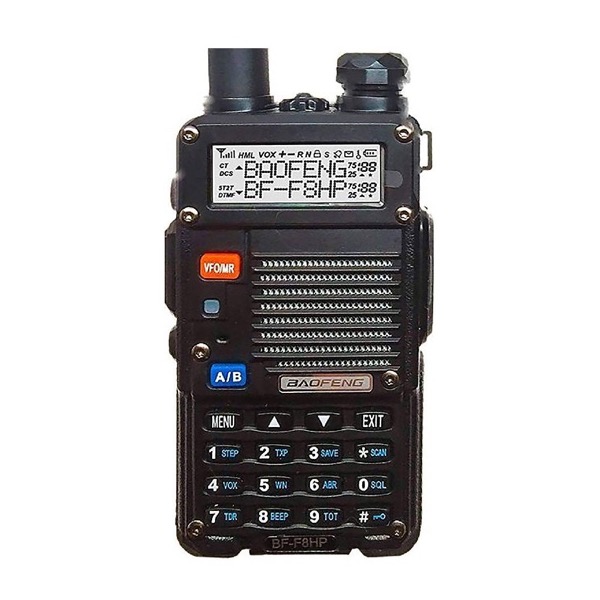
Baofeng BF-F8HP (BTECH). The original UV-5R has been discontinued, and this is its replacement…BTECH calls it the third generation of the UV-5R. It puts out 8 watts instead of 5, and it works with the UV-5R accessories, so the battery, antenna and cable below all fit it. I own several Baofengs, and a lot of us started on a UV-5R. It’s still the cheapest radio on this page. The trade-off is that it’s harder to program and it isn’t built like a Yaesu.
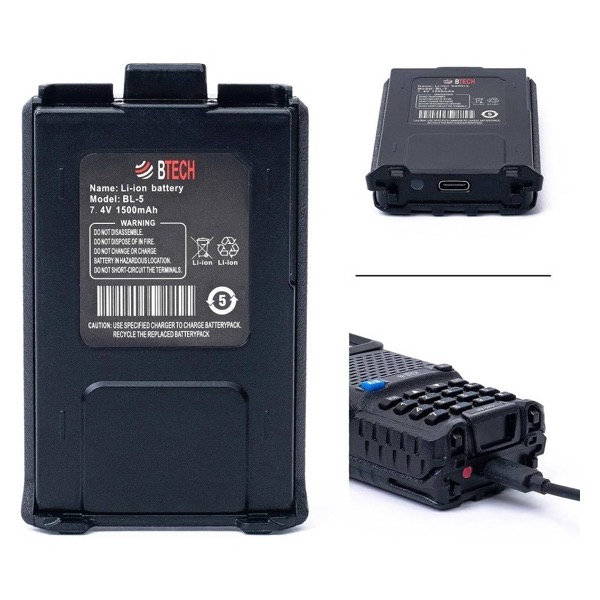
BL-5 USB-C spare battery (BTECH). It fits both the BF-F8HP and the UV-5R, and it charges from a USB-C cable, so you don’t need the charging cradle. It’s a little smaller than the battery in the box (1500mAh), but with a spare in your pocket you can swap it out and keep going when the first one runs down.
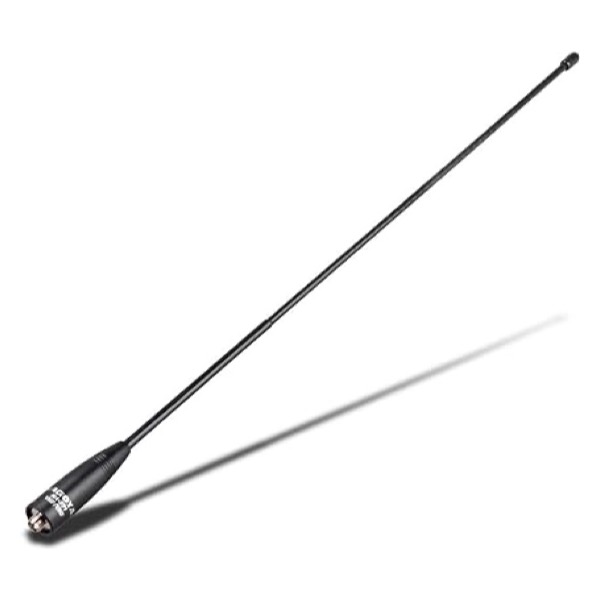
Nagoya NA-771 antenna (BTECH). The stock antenna is the weakest part of the radio, and this is the cheapest upgrade that makes a real difference. Baofengs use a reverse-SMA connector, so a standard antenna won’t fit without an adapter…this is the SMA-female version made for Baofeng radios.
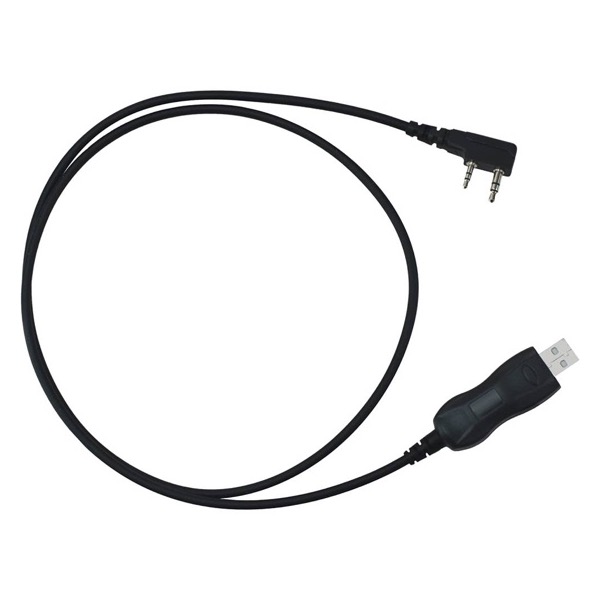
BTECH PC03 programming cable (BTECH). Programming a Baofeng from the keypad will make your brain smoke. With this cable and the free CHIRP software, you can load your local repeaters from a computer in a few minutes. It uses an FTDI chip, so on most computers the driver installs by itself.
A step up
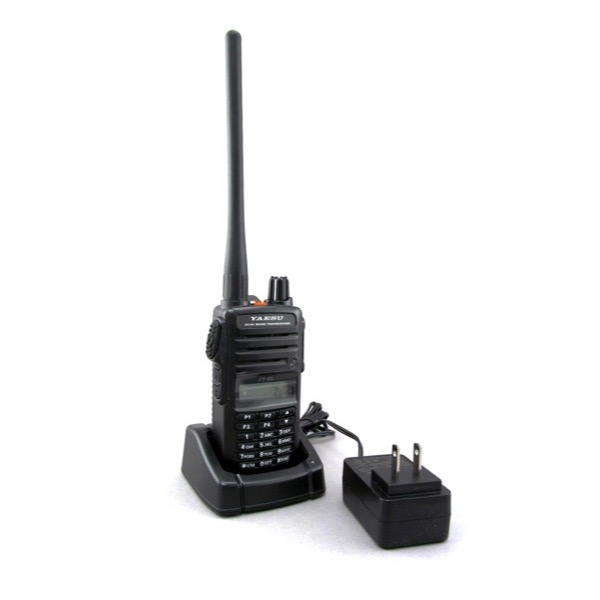
Yaesu FT-65R (DX Engineering). A simple, solid dual-band FM handheld from a company that has been building radios for decades. It’s easier to program and easier to live with than a Baofeng.
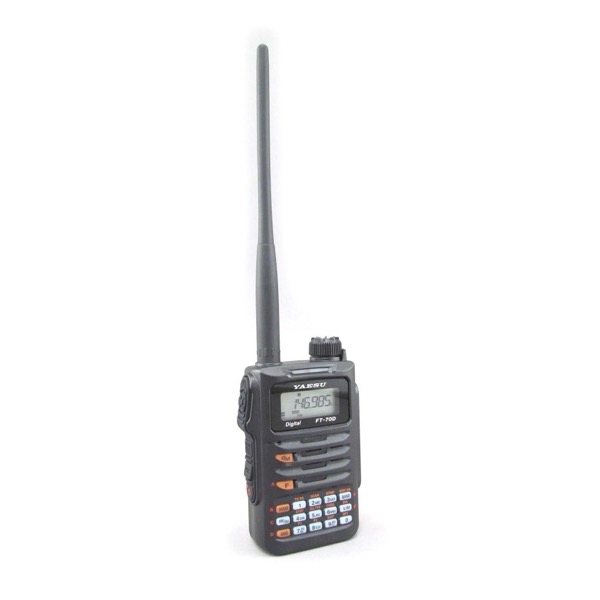
Yaesu FT-70DR (DX Engineering). Same idea, plus Yaesu’s C4FM digital mode (System Fusion). If your local repeaters are Fusion repeaters, get this one instead of the FT-65R.
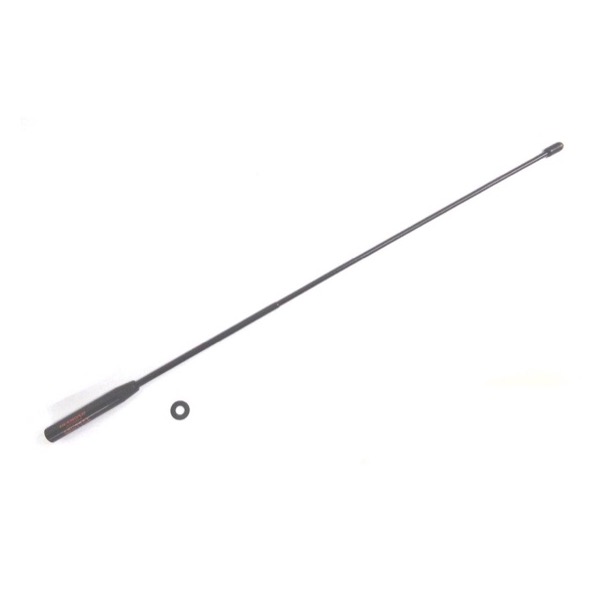
Diamond SRH77CA antenna (DX Engineering). The standard antenna upgrade for either Yaesu. It uses a regular SMA connector, so it fits the Yaesu radios as-is (it won’t fit a Baofeng without an adapter).
Kit 2: POTA starter
This is for a General class ham who wants to go to a park, set up on HF and “activate” it (that just means making contacts from inside the park so other hams can log it). You need four things: a radio, an antenna, a battery, and a way to tune the antenna to the band you’re on.
Pick a radio
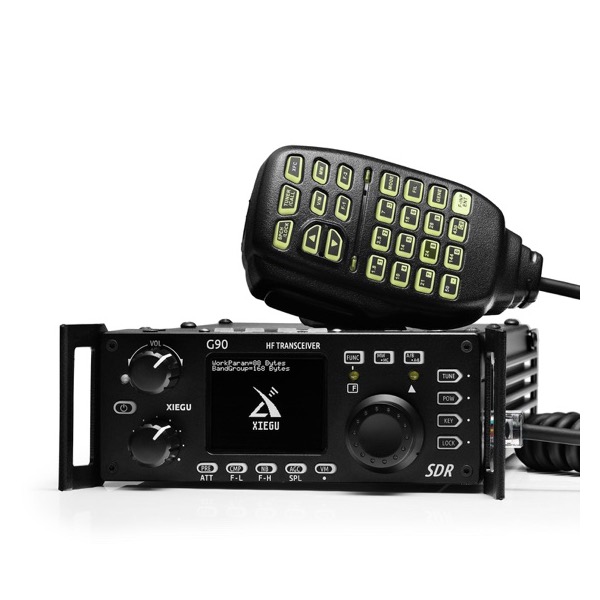
Xiegu G90 (Amazon). The budget way onto HF. It runs 20 watts and has a tuner built in, so you don’t have to buy one separately. Xiegu says it needs 13.8 to 15 volts to make the full 20 watts, so expect a little less on a 12-volt battery.
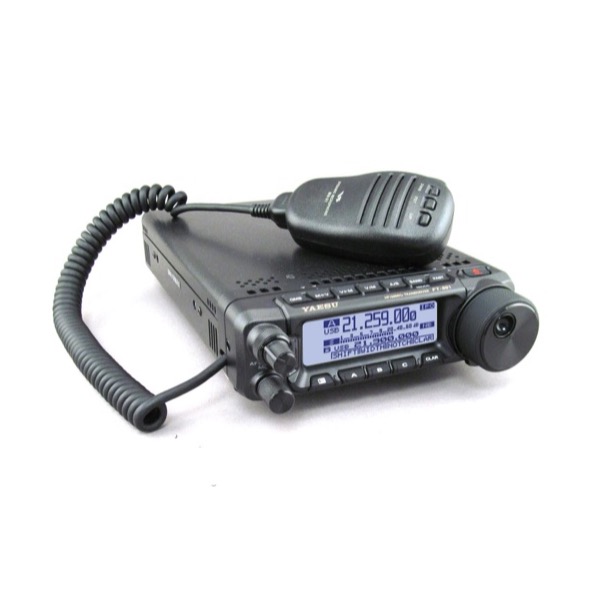
Yaesu FT-891 (DX Engineering). A 100-watt radio that’s small enough to carry into a park. It doesn’t have a tuner built in, so pair it with the mAT-Y200 below.
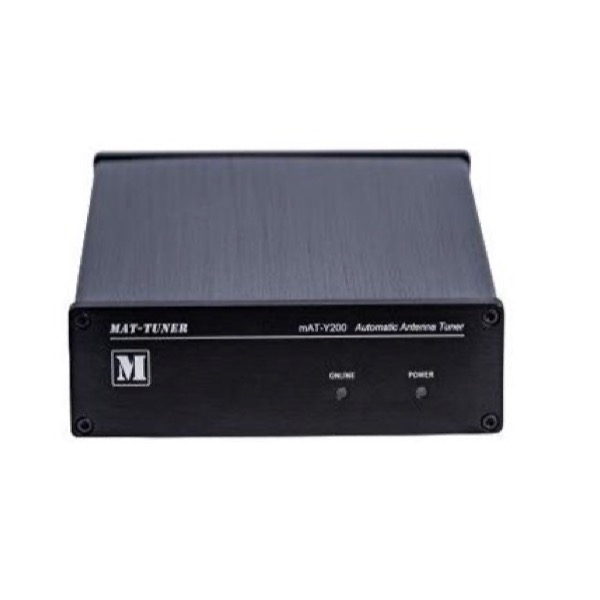
mAT-Y200 automatic tuner (DX Engineering). Plugs into the FT-891’s tuner port with the cable that comes in the box, so the radio controls it.
Power and antenna
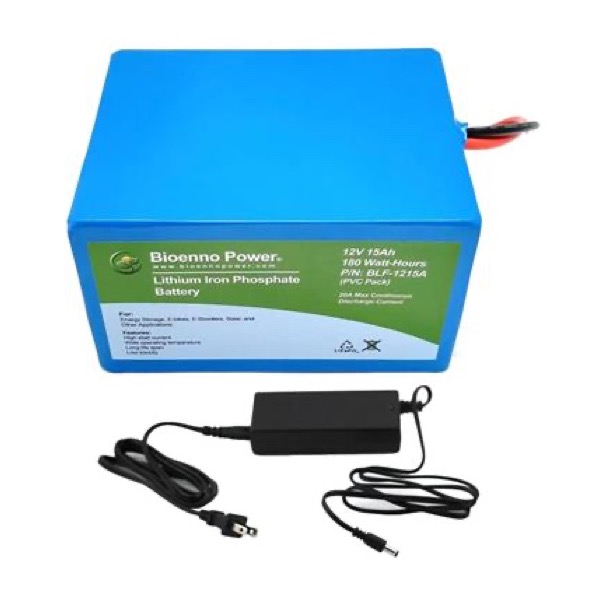
Bioenno 15Ah LiFePO4 battery with charger (DX Engineering). This is the same battery I use, bundled with the charger you need anyway. It has Powerpole connectors, the same plug a lot of ham power cables use.
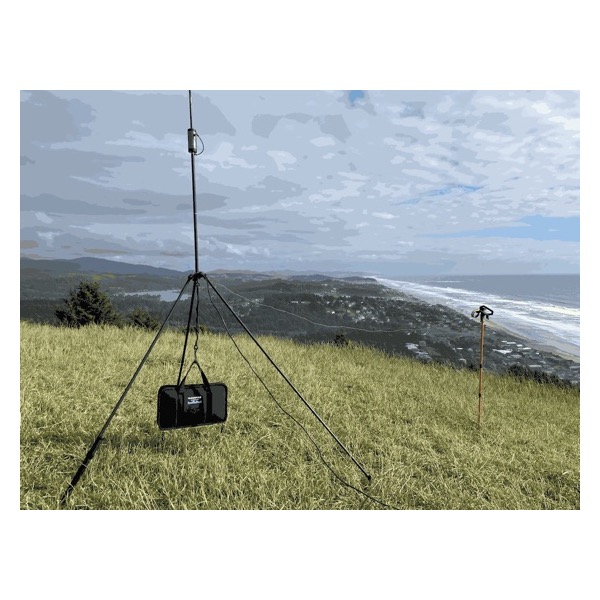
Buddistick Pro (direct from Buddipole). A portable vertical that covers 40 through 6 meters and packs into a small bag. It’s my antenna too, so you’ll see it in my videos.
If you want to run FT8
Neither of these radios has a sound card built in, so for FT8 you need a small interface between the radio and your laptop. This is the part people find out about after the radio shows up.
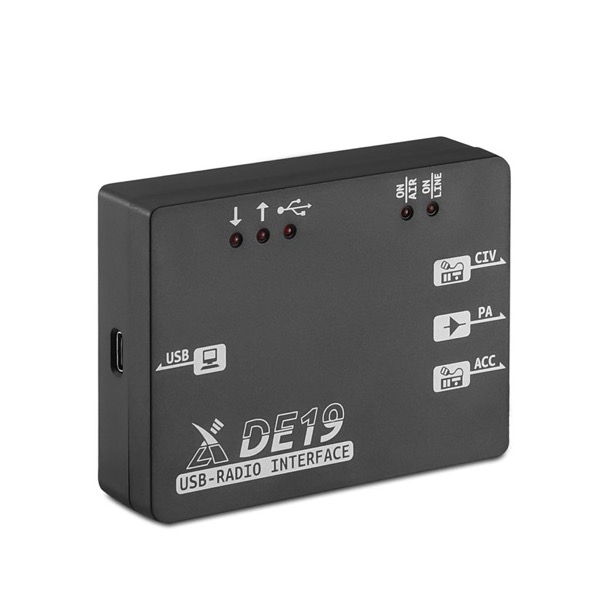
Xiegu DE-19 (Amazon) for the G90.
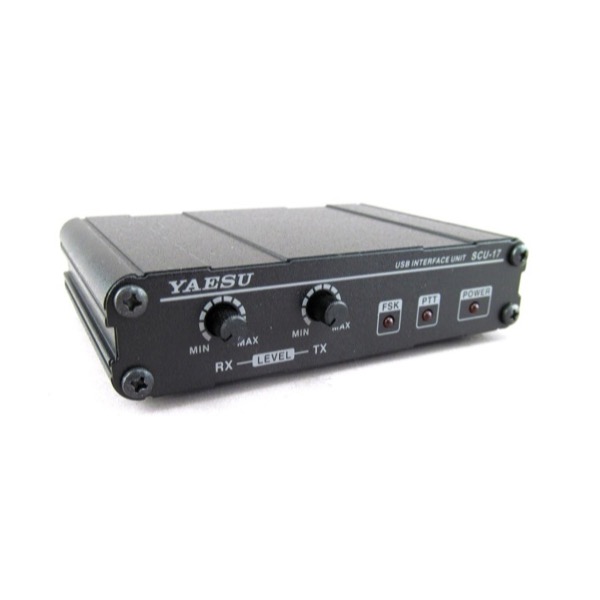
Yaesu SCU-17 (DX Engineering) for the FT-891.
Kit 3: My field kit
This is what goes into a park with me when I’m activating from the road. Melody and I live full-time in an RV, so everything has to pack small and run off a battery.
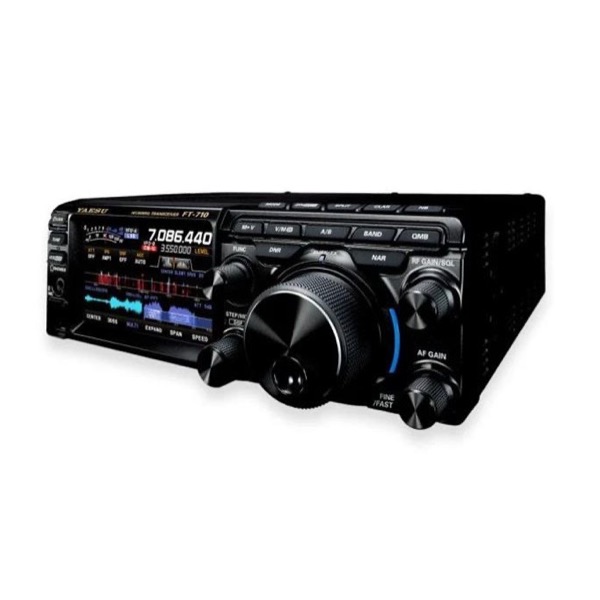
Yaesu FT-710 (DX Engineering). I went with the FT-710 because I already had a Yaesu in the truck, and I wanted to stay with one company’s menus and accessories.
Buddistick Pro (direct from Buddipole). Same antenna as the starter kit.
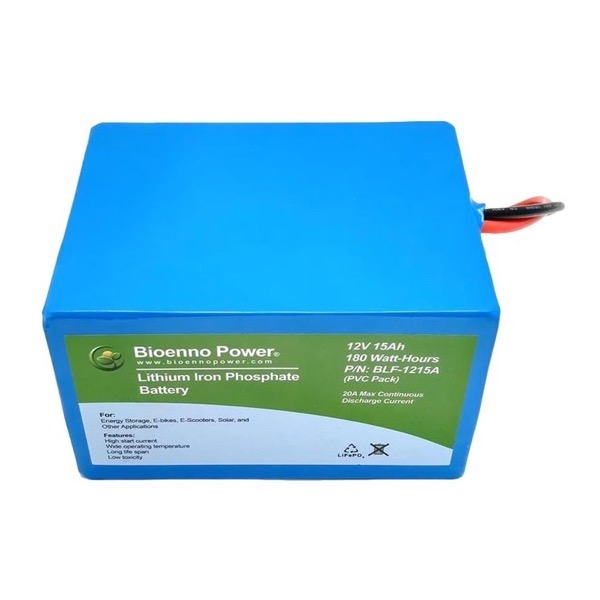
Bioenno BLF-1215A 15Ah battery (DX Engineering). This link is the battery by itself. If you don’t have a LiFePO4 charger yet, get the bundle in Kit 2 instead.
When I activate on FT8, a laptop comes along too. I run WSJT-X, which controls the radio over USB and logs to Log4OM, and I keep the radio at about half power for FT8. Most of the parks I activate have no internet, and FT8 needs your clock to be right, so I sync the time over my phone when I have a signal and with a GPS dongle when I don’t.
Not licensed yet?
Start with the license before you buy anything. My free exam course walks you through the Technician test: hamradiolaunchpad.com/exam
Join thousands of new hams who are confidently getting on the air. This practical video series gives you clear solutions to the most common beginner challenges — 100% free with instant access.
Affiliate Disclaimer
Keep in mind that we may receive commissions when you click our links and make purchases. However, this does not impact our reviews and comparisons. We try our best to keep things fair and balanced, in order to help you make the best choice.
As an Amazon Associate, we earn from qualifying purchases.