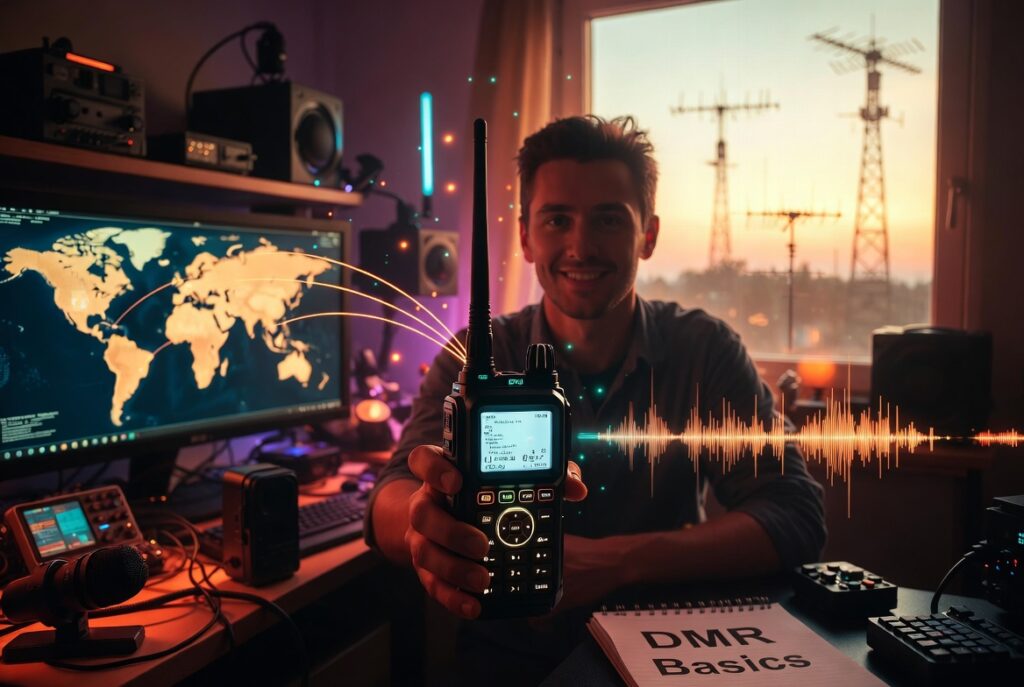
If you’ve been around ham radio for any length of time, you’ve probably heard the term DMR come up. Maybe you’ve seen hams talking on local repeaters about talk groups and codeplugs and wondered what all of it means.
You’re not alone. DMR is one of the most popular digital voice modes in ham radio right now, and for good reason — it lets you connect with people all over the world using equipment that’s more affordable than ever. But there’s a learning curve, and it starts before you even turn on the radio.
What Is DMR?
DMR stands for Digital Mobile Radio. It’s a digital voice protocol that was originally developed for commercial two-way radios. The amateur radio community adopted it because it’s open-source, well-documented, and the equipment is inexpensive compared to other digital modes.
Unlike traditional analog FM, DMR converts your voice into a digital signal. That signal can then be routed through the internet, which means a transmission from your handheld can reach repeaters across the country — or across the world — if they’re connected to the same network.
The main network used by ham radio operators is called BrandMeister. Think of it as the backbone that connects thousands of DMR repeaters worldwide into one giant talking network.
Why Hams Use DMR
DMR’s big selling point is interoperability. With a single radio, you can access local repeaters, regional networks, and international talk groups — all without changing equipment.
Here are the main reasons hams get into DMR:
- Worldwide contacts from a handheld. With a DMR radio and an internet-connected repeater, you can talk to someone in Europe, Asia, or Australia using a radio that fits in your pocket.
- Organized talk groups. Instead of just calling CQ and hoping someone hears you, DMR lets you join scheduled nets and topic-based talk groups. There are talk groups for emergency communications, for specific regions, for CW enthusiasts, and more.
- Better spectrum efficiency. A single 12.5 kHz DMR channel can carry two simultaneous conversations (two time slots). That means more users per repeater, which matters in crowded urban areas.
- Affordable equipment. You don’t need expensive HF radios to work worldwide. A budget DMR HT like the Anytone AT-D878UVIIgives you global access for under $200.
What You Need to Get Started
DMR has a higher upfront learning curve than analog FM, but it’s not complicated once you understand the basics. Here’s what you need:
1. A DMR Radio
Not all radios support DMR. You need one with a DMR chipset built in. The most popular budget option is the Anytone AT-D878UVII — it’s a dual-band analog/digital radio that won’t break the bank and has become the de facto starter DMR radio in the ham community.
Other options include radios from TYT, Radioddity, and Anytone’s higher-tier models. Most DMR radios can do both analog FM and DMR, so you’re not giving up traditional repeater access.
2. A DMR ID
Before you transmit on DMR, you need a unique DMR ID. This is a 7-digit number that identifies your callsign on the network. Without it, the network won’t route your traffic.
Getting one is free and takes a few minutes. You apply at RadioID.net. Once approved, your ID is tied to your callsign permanently.
3. A CodePlug
Here’s where most beginners hit a wall. A codeplug is the programming file that tells your radio which DMR talk groups and repeaters to use. It’s essentially a spreadsheet of channels, IDs, and network settings.
The good news: you don’t have to build one from scratch. Most DMR repeaters have code plugs available from their host clubs or from sites like RadioID.net. The Anytone radios also come with software that makes loading and editing codeplugs relatively straightforward.
The bad news: bad or outdated code plugs are the number one reason new DMR users get frustrated. If you’re not hearing anything, the codeplug is usually the culprit.
4. An Internet-Connected Repeater
DMR doesn’t work without a repeater that’s connected to the BrandMeister network (or another compatible network). Not every analog FM repeater supports DMR — you need one with a DMR hotspot or gateway attached to it.
If you don’t have a local DMR repeater, you can use a personal hotspot like the SharkRF OpenSpotor the MMDVM-caliber USB sticks. These connect to the network through your home WiFi and let you hit DMR from anywhere — no repeater required.
DMR vs. Other Digital Modes
DMR isn’t the only digital voice mode in ham radio. Here’s how it stacks up against the alternatives:
- DMR — The most popular. Excellent audio quality, two time slots per channel, huge worldwide network. Slightly more complex setup.
- System Fusion (YSF) — Yaesu’s mode. Easier to set up than DMR, good interoperability with Wires-X. Growing network.
- D-Star — Icom’s mode. Has been around longest. Slightly more complex, smaller network outside of Japan.
For most beginners, DMR is the right starting point because the network is the largest and the equipment is the most affordable.
The Learning Curve Is Real — But Worth It
I’m not going to pretend DMR is plug-and-play. The codeplug setup alone will test your patience if you’ve never programmed a radio with software before.
But once it’s working, DMR opens up a world of communication that analog FM simply can’t match. The ability to hit a local repeater and work someone halfway across the planet on a $180 radio is genuinely remarkable.
If you’re getting started, give yourself an afternoon to program the radio properly. Use a online guide or a local club that can share their codeplug. Once it’s working, you’ll wonder why you waited.
Frequently Asked Questions
Is DMR hard to set up?
Do I need internet for DMR?
Can I use my existing analog radio for DMR?
What does “talk group” mean on DMR?
What’s a DMR ID and do I need one?
Join thousands of new hams who are confidently getting on the air. This practical video series gives you clear solutions to the most common beginner challenges — 100% free with instant access.
Affiliate Disclaimer
Keep in mind that we may receive commissions when you click our links and make purchases. However, this does not impact our reviews and comparisons. We try our best to keep things fair and balanced, in order to help you make the best choice.
As an Amazon Associate, we earn from qualifying purchases.